1. Empowering Parents with Objective Career Data
When parents receive their child’s EduQuest AI Career Cluster Report, they are looking at a powerful multi-dimensional analysis of their child’s cognitive processing, intrinsic motivators, subject affinities, and global college readiness. However, interpreting a comprehensive AI report can feel overwhelming if you don’t know what metrics matter most.
This guide provides parents with a clear, step-by-step framework to read the report, ask the right questions, and engage in constructive, low-stress career conversations with their teenagers.
Get Your Child’s Career Cluster Report
Generate New Report
Career Cluster AI
Have your child complete the assessment and receive the full parent analytics dashboard instantly.
Take Career Cluster TestReport Review Session
EduQuest Parent Walkthrough
Schedule a call with an EduQuest specialist to walk through your report findings together.
Explore Career Clusters2. The 4 Key Sections of an EduQuest Career Cluster Report
Primary vs. Secondary Cluster Match (%)
Shows the top 2 cluster ecosystems where your child’s cognitive style and interest scores overlap most strongly.
Cognitive Processing Radar
Displays relative strengths across Quantitative Logic, Verbal Synthesis, Spatial Reasoning, and Abstract Problem Solving.
Stream & Elective Compatibility Index
Ranks CBSE, ICSE, and IB subject combinations by ease of academic performance and college alignment.
Global Major & Career Pathway Directory
Lists 10-15 matching undergraduate university majors in the US, UK, Canada, and Europe.
Fast-Track Your College & Career Strategy
Get immediate, personalized AI insights tailored to your grade, strengths, and dream universities — 100% free with instant reports.
Know Your Personality Type for Free
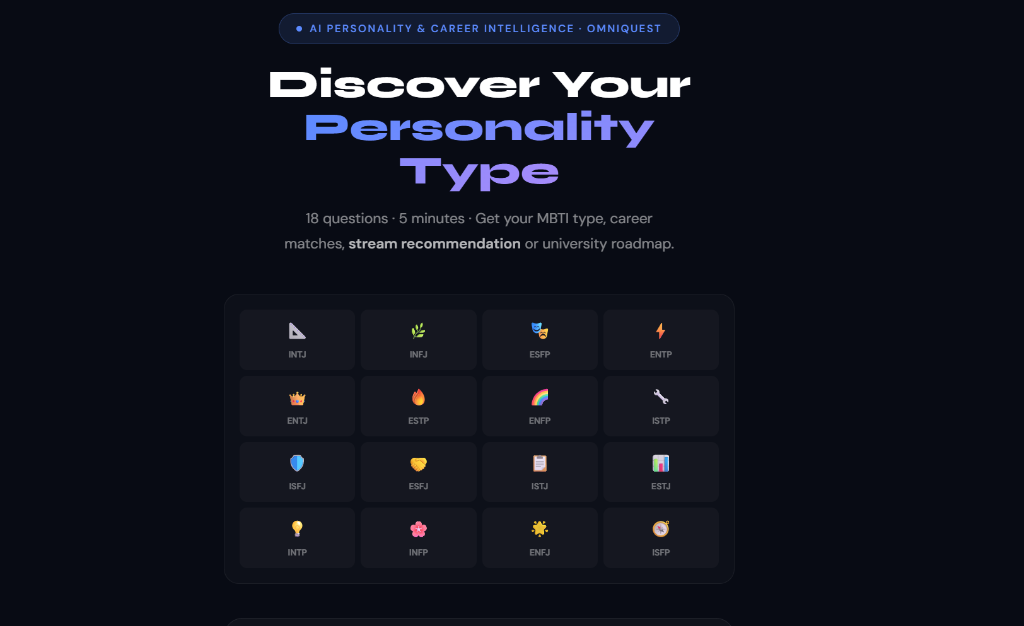
Take our 18-question AI psychometric test to uncover your cognitive archetype, hidden learning superpowers, and ideal university courses.
Personalized Career & University EduPath
Build a step-by-step Grade 8–12 admissions blueprint with AI-matched target universities, exam schedules, and extracurricular profiles.
A career report is not a verdict; it is a conversation starter. Use the data to understand how your child thinks, not to impose your own preferences.
— EduQuest Senior Family Psychometrician
3. Do’s and Don’ts for Parents Reading the Report
| Parent Action | Recommended (Do’s) | Avoid (Don’ts) |
|---|---|---|
| Reviewing Scores | Focus on top matching clusters and celebrate natural strengths | Focusing only on lowest scores or viewing them as "failures" |
| Discussing Stream Options | Explore how subject combinations match the report recommendations | Forcing a pre-selected stream if it ranks low on cluster match |
| Planning Next Steps | Encourage small exploratory projects in the top cluster | Demanding immediate 10-year job commitments from a 15-year-old |
| Seeking Guidance | Book an EduQuest advisory session to clarify complex data | Dismissing report findings based on outdated personal anecdotes |
Independent Parent Review
Read Report Quietly First
- Read through the EduQuest report without your child present.
- Note down key takeaways, primary clusters, and recommended streams.
Collaborative Family Discussion
Low-Pressure Conversation
- Ask open-ended questions: "Which part of the report surprised you most?"
- Validate your child’s feelings about their top cluster matches.
Formulate 12-Month Plan
Stream & Subject Alignment
- Finalize high school stream options and electives.
- Schedule 1-on-1 session with EduQuest Narrative Architects.
Download the Parent’s Guide to Psychometric & AI Reports
Get our free annotated guide showing exact sample EduQuest reports with line-by-line explanations for parents.
What if my child’s report recommendation contradicts my expectations as a parent?
Schedule a joint call with an EduQuest senior advisor. We help bridge parent expectations and student aptitude using objective data.
How often should a student retake the assessment?
We recommend taking it once in Class 9 or 10 for stream selection, and re-auditing once in early Class 11 for university major targeting.
Get Objective Guidance for Your Child’s Future
Read your child’s career report with total clarity. Start with EduQuest AI today.
Access EduQuest Parent Portal
Generate Report
Career Cluster AI
Receive a detailed parent report with graphical score breakdowns.
Go to Career Cluster PageSchedule Walkthrough
EduQuest Counselors
Book a professional report review call with our advisory team.
Navigate to Platform